

How to Build Custom Layouts Without Bloating Your Website
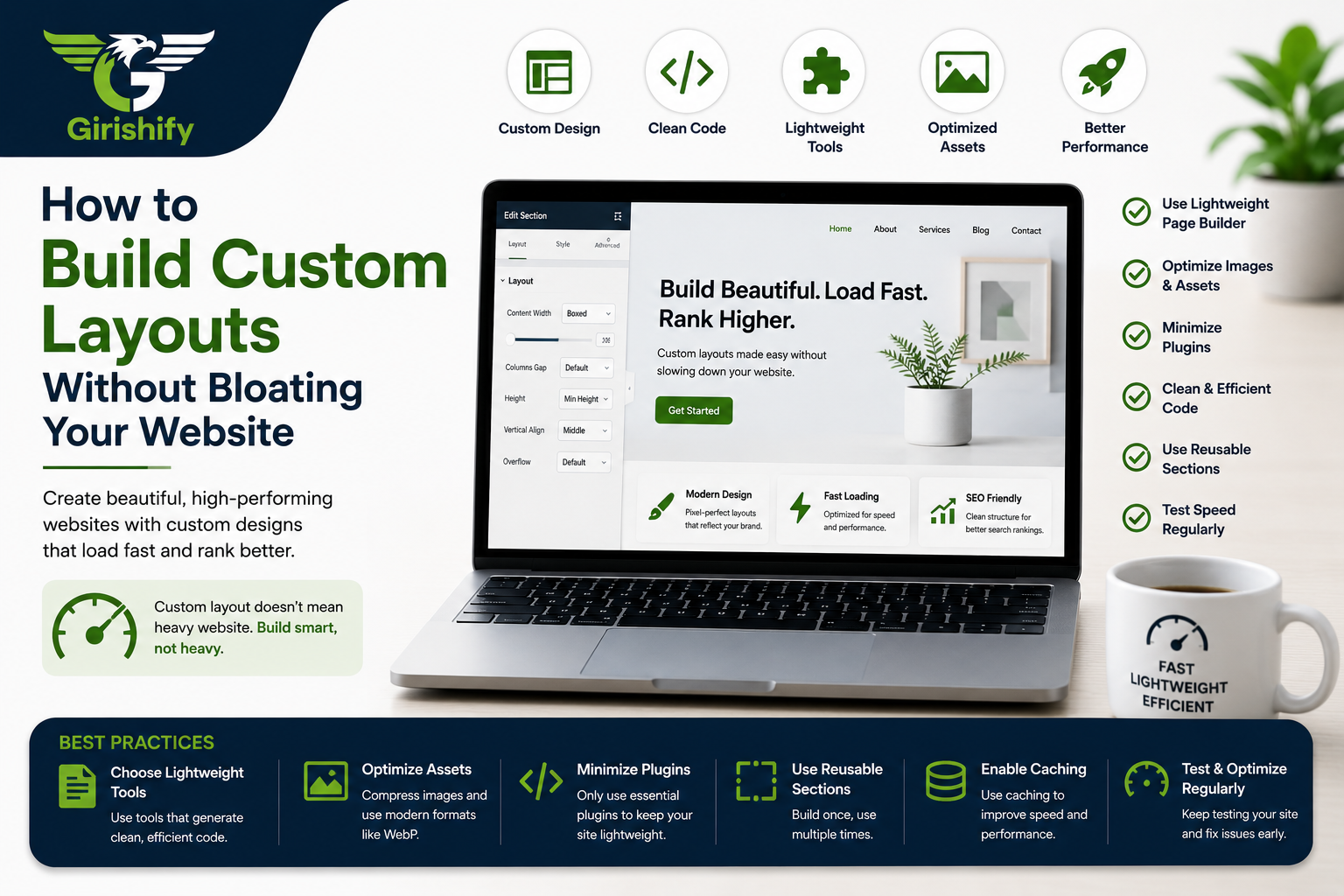

Let’s be completely honest: drag-and-drop page builders have changed the game for web design. Being able to visually map out a page, adjust columns on the fly, and drop in elements without touching raw code is incredibly liberating. It saves massive amounts of time.
But page builders have a dark side: code bloat.
If you aren’t careful, a few simple layout changes can generate mountains of messy, nested <div> tags, heavy scripts, and bloated stylesheets running behind the scenes. Before you know it, your gorgeous new design takes five seconds to load on a mobile phone, and your Google PageSpeed scores drop into the red.
You don’t have to choose between design freedom and lightning-fast performance. Here is how to build highly custom, stunning layouts while keeping your website incredibly lean and fast.
1. Ditch the "Nested Container" Trap
One of the easiest ways to bloat a layout is by getting lazy with your structural sections. If you want a specific element aligned slightly to the right, don’t just drop a new container inside a column, inside an inner section, inside a main section.
Every time you add a layout wrapper, the system has to generate lines of extra HTML to render it.
The better way: Keep your structure as flat as possible. Use the built-in spacing tools—like precise, clean margins and padding—to position elements instead of adding extra columns or wrappers just to create empty space.
2. Rely on Standard Bootstrap and CSS Rules
If you are modifying templates or working on the frontend, lean heavily on native utility classes. Standard frameworks like Bootstrap are already optimized to handle responsive grids, alignment, and spacing out of the box.
Instead of letting a visual editor write a unique piece of custom CSS styling for every single text block on your site, use clean, global CSS utility classes.
Styling globally means the browser only has to read the rules once, rather than parsing hundreds of individual inline style blocks scattered across your pages.
3. Don't Install a Plugin for Every Little Element
Need a simple testimonial slider? A toggle accordion? A contact form? The biggest mistake you can make is installing three separate, heavy plugins to handle those tiny features. Each new plugin brings its own JavaScript and CSS files, which load on the frontend whether you are using them on that specific page or not.
The better way: Stick to your core builder’s native modules, or write a lightweight, vanilla script if you need a custom interaction. Keep your active plugin list strictly limited to essentials like security, caching, and SEO.
4. Keep Your Graphic Assets Lightweight
You can write the cleanest code in the world, but if you upload a 4MB uncompressed PNG file as your header background, your site will run like molasses.
Optimize your media: Use vector formats (like SVGs) for logos, icons, and geometric shapes. They look pixel-sharp on any screen resolution and consume virtually zero file size.
Compress everything else: Run your photographic assets through a compressor or convert them to modern web formats like WebP before they ever hit your media library.
Build Globally, Not Individually
If you find yourself manually setting the font size, color, and line height on every single heading you create, stop immediately.
Set up your global theme styles first. Define your H1, H2, H3, paragraph fonts, and primary brand colors in one central place. Not only does this keep your branding completely consistent across the entire site, but it drastically reduces the amount of repetitive, redundant code generated in the backend.
Final Thoughts
Building a custom site shouldn’t mean sacrificing speed. A truly professional website isn’t just one that looks beautiful on the frontend—it’s one that runs like a finely tuned engine on the backend.
Keep your structural layouts flat, rely on clean global CSS, optimize your visual assets, and think twice before stacking up extra plugins. Your visitors (and your Google rankings) will thank you for it.