

Essential WordPress Plugins for Every Business Website
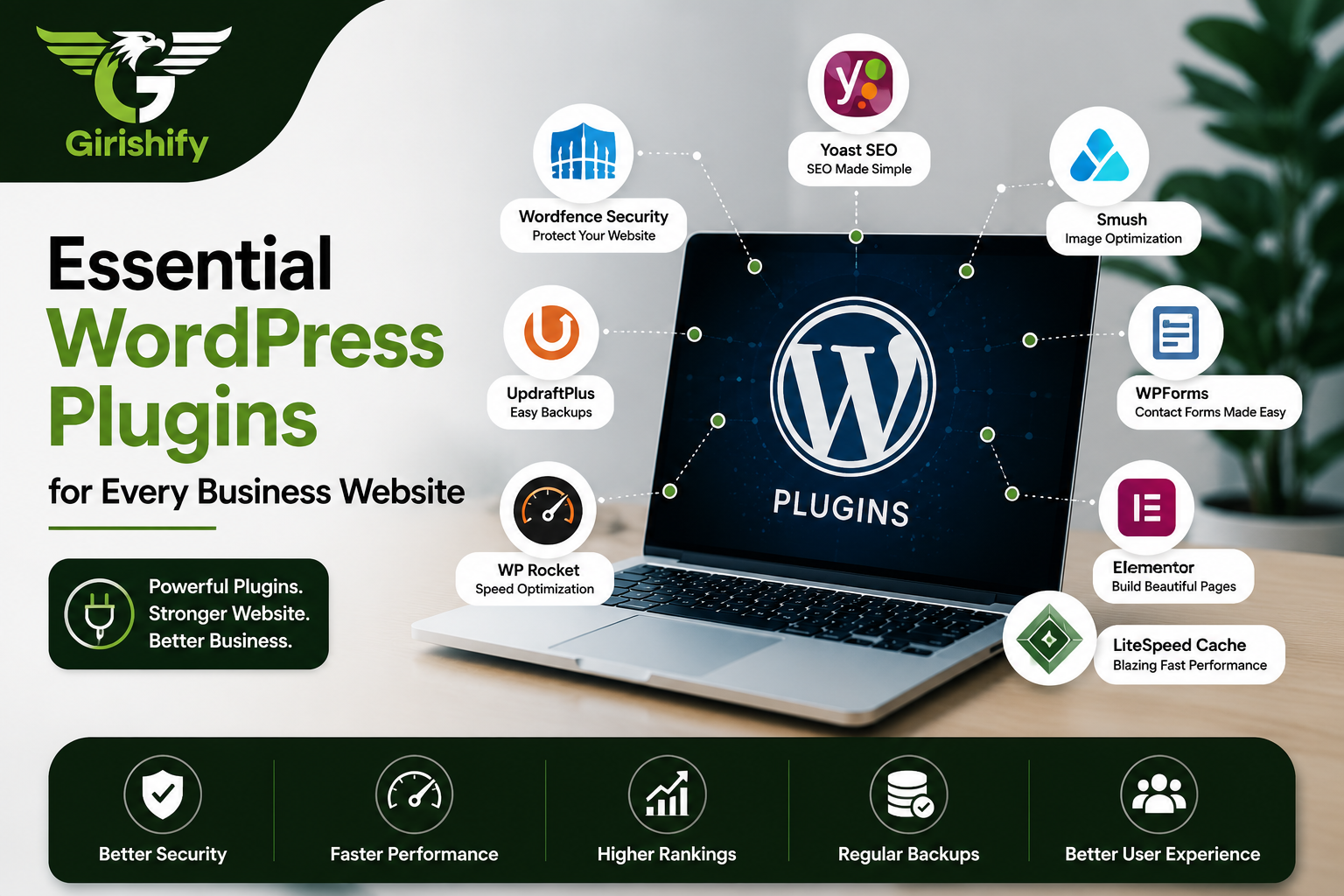

If you have just launched a new WordPress site, it is incredibly easy to get overwhelmed by the plugin directory. The temptation is to install everything that looks remotely interesting.
Don’t do that.
Plugins are fantastic because they add advanced functionality to your site without making you touch a single line of code. But if you install too many, they will clash, drag down your page speed, and create security holes. The goal isn’t to see how many features you can stack up; it’s about choosing a lean, reliable set of tools that solve actual problems.
If you want a site that is fast, secure, and easy to manage, here are the essential plugins you actually need.
1. The SEO Brains: Yoast SEO or Rank Math
A gorgeous website doesn’t do much if it’s buried on page five of Google. Out of the box, WordPress is search-engine friendly, but an SEO plugin gives you full control. It lets you easily clean up your page titles, write custom snippets for search results, and automatically handles the behind-the-scenes sitemaps that Google uses to read your site.
What it fixes: Messy search appearances and invisible pages.
The bottom line: It takes the guesswork out of optimizing your pages.
2. The Digital Security Guard: Wordfence
Website security is one of those things you don’t think about until it’s too late. Because WordPress is so popular, it’s a constant target for automated bots trying to guess passwords or find backdoors. Wordfence acts as a massive firewall. It blocks suspicious login attempts, scans your core files for malicious code, and alerts you instantly if something looks off.
What it fixes: Hacking attempts and malware vulnerabilities.
The bottom line: It gives you peace of mind that your storefront is locked down.
3. The Emergency Backup: UpdraftPlus
Servers crash, updates occasionally break things, and mistakes happen. If your site goes down and you don’t have a backup, you could lose months of hard work. UpdraftPlus automates this entire process. You can set it to take regular snapshots of your files and database and automatically save them safely to the cloud (like Google Drive or Dropbox). If anything ever breaks, you can fix it with a single click.
What it fixes: The nightmare of losing your entire website.
The bottom line: Your ultimate safety net.
4. The Speed Engine: WP Rocket
Nobody waits around for a slow website. WP Rocket handles the heavy lifting when it comes to performance optimization. It sets up page caching, optimizes your database, and trims down code delivery so that your pages snap open the moment a user clicks.
What it fixes: High bounce rates caused by laggy page loads.
The bottom line: It makes your site feel instantly snappier.
5. The Image Optimizer: Smush
High-quality images look professional, but massive file sizes are the number one reason websites run like molasses. Instead of manually resizing every single photo before you upload it, Smush sits in the background and automatically compresses your images as you add them to the media library. It shrinks the file size down drastically without losing visual quality.
What it fixes: Heavy, bloated pages that drain mobile data.
The bottom line: Keeps your site looking sharp without slowing it down.
6. The Lead Generator: WPForms or Contact Form 7
You need to make it incredibly easy for potential clients to get in touch. Pasting a raw email address on your page just invites spam bots. A dedicated form plugin lets you build clean, reliable contact forms, quote requests, or booking questionnaires that drop directly into your inbox while keeping the user’s data secure.
What it fixes: Missed client inquiries and cluttered inboxes.
The bottom line: The easiest way to turn a casual reader into a hot lead.
7. The Design Builder: Elementor
If you aren’t a developer but still want absolute control over how your pages look, a drag-and-drop page builder is a lifesaver. Elementor lets you visual layout your homepage, service pages, and landing sections in real-time. You don’t have to guess what things will look like; you just drag elements around, adjust the spacing, and see the final result instantly.
What it fixes: Rigid, boring templates you can’t easily change.
The bottom line: Complete design freedom without coding frustration.
Don't Install Too Many Plugins
It can be tempting to install a plugin for every new feature, but more isn’t always better.
Too many plugins can slow your website, create conflicts, and make updates more difficult. Before installing a plugin, ask yourself if you really need it and whether it’s actively maintained.
Keeping only the plugins you use will help your website stay faster and more secure.
The Golden Rule: Don’t Overdo It
Before you hit “Install” on any new plugin, ask yourself: Do I genuinely need this feature right now, or is it just nice to have?
Stick to highly rated, frequently updated plugins from trusted developers. Keep the unneeded ones deactivated and deleted. By keeping your plugin list lean and focused on security, speed, and clean design, your website will stay fast, stable, and ready to bring in business for the long haul.